Doing Transcript Analysis the Useful Way
Anchors → clusters → concept graph. A transcript workflow that matches Learnex capabilities.
Transcripts aren’t subtitles—they’re a searchable surface you can interrogate. Learnex gives you the transcript, filters, and topic clustering by default. Use them to create anchors, spot patterns, and feed the results into the concept graph and study guide.
Anchors, not highlights
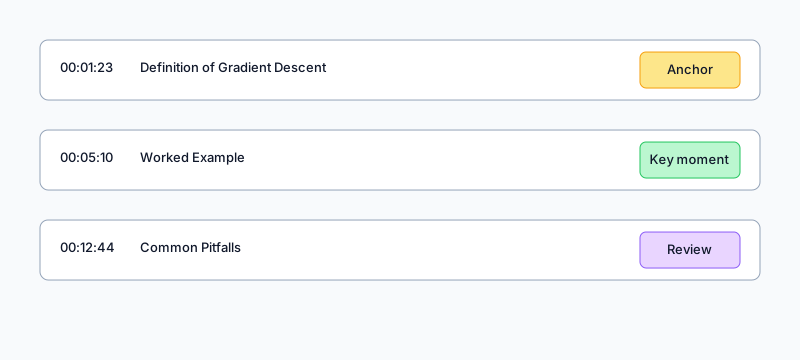
A highlight says “this sounded cool.” An anchor says “00:05:12 – definition of gradient descent (use for quiz).” Learnex lets you add anchor notes with one click, and those anchors stay linked to the concept graph, study guide, and chatbot context.
Cluster before you summarize
- Search the transcript for recurring terms or synonyms (Learnex highlights matches).
- Tag anchors with topics; check the auto-generated topic clusters for overlap.
- Collapse to 3–5 themes and send them to the concept graph. Each theme should map to one or two nodes.
Ship it to the rest of Learnex
- Concept graph: attach anchors so every node has evidence.
- Study guide: drop anchor links next to each checkpoint question.
- Chatbot: the more precise your anchors, the better context the Learnex assistant has.
Related: Summarizing YouTube for Learning · Concept Maps