From Video to Study Guide — A Repeatable System
A 15-minute Learnex workflow for structuring goals, examples, and practice so video learning sticks.
The Learnex study guide generator is opinionated. It gives you goals, prerequisites, concept bullets, examples, and practice prompts. Spend a few minutes tightening each section and you end up with something you can revisit when the video is a distant memory.
Keep the structure simple
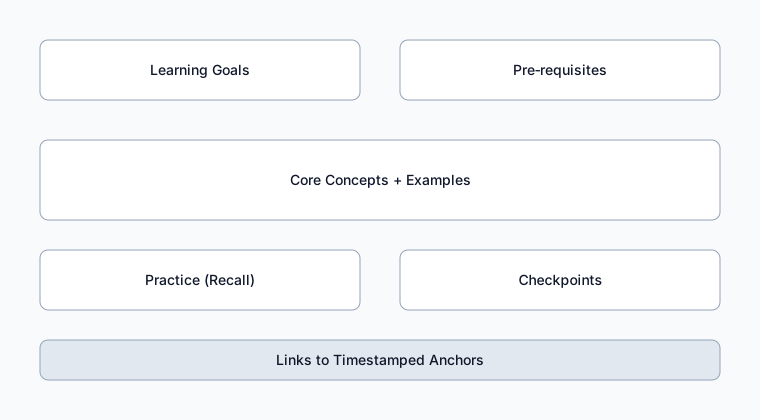
- Goals: write “be able to…” not “understand…”.
- Prereqs: 2–3 links or reminders so you’re not stuck mid-video.
- Core ideas: each gets a definition, example, and pitfall.
- Practice: 5 prompts scheduled across the week (Learnex reminders help here).
- Checkpoints: “If I can do X without notes, I’m good.”
15-minute Learnex workflow
- Paste the video and let Learnex create the transcript, concept graph, mind map, and initial study guide.
- Convert key moments into anchors with reasons (“00:04:12 – worked example”). Pull those into the study guide as references.
- Rewrite the auto-generated bullets so they start with verbs (“Diagnose”, “Compare”). Add one quick practice prompt or flashcard per bullet.
- Use the built-in reminder schedule (or export) so tomorrow-you actually revisits the guide.
Signs the guide is ready
- You can answer the checkpoint questions without peeking.
- Every practice item references either a transcript timestamp or concept node.
- The next step is obvious (second video, project, flashcard review).
That’s it. No 20-page manifestos—just a small, living document backed by Learnex automation.
Related: Concept Maps That Clarify Topics · Summarizing YouTube for Learning