AI Learning Tools: The Complete, No-Hype Guide
A practical, human guide to using AI to actually learn faster from video — based on how Learnex turns YouTube into transcripts, concept graphs, mind maps, study guides, and more.
Updated: April 2025
TL;DR
- Shoot for understanding, not just brevity. Summaries are inputs, not outcomes.
- Use transcripts to create anchors, then map concepts and build a study plan.
- Practice pulls the learning together; concept graphs make practice targeted.
Table of Contents
- Mindset shift
- Core workflow
- Case study
- Tactics that compound
- Common pitfalls and fixes
- How to measure progress
- Doing this in Learnex
- FAQ
Why “shorter” isn’t the same as “learned”
Most “AI summaries” are optimized for brevity, not understanding. When you’re learning a topic, you need structure, anchors, and relationships — things your brain can attach to. The goal isn’t a shorter text; it’s a stable mental model you can recall and extend.
A useful summary helps you navigate the original material and practice the right things. If it doesn’t do those two, it’s entertainment, not learning.
The workflow that actually moves you forward
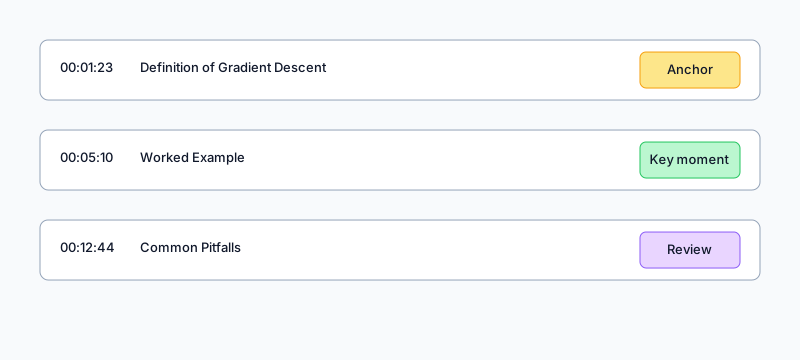
- Start with transcript anchors: search for key terms and jump to exact timestamps. This swaps passive watching for targeted inspection.
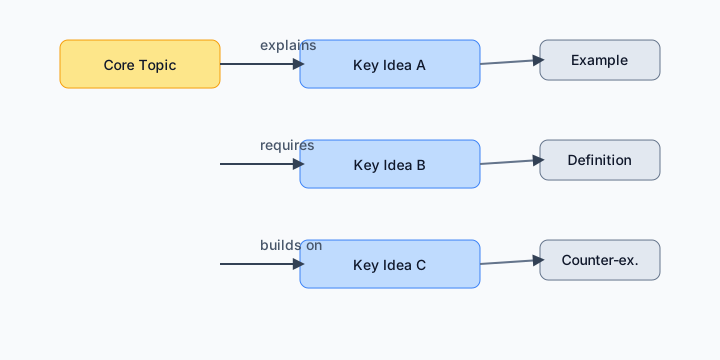
- Build a concept map: capture the ideas and how they relate. Expect some initial mess — the value is in clarifying the graph, not copying the video line-by-line.
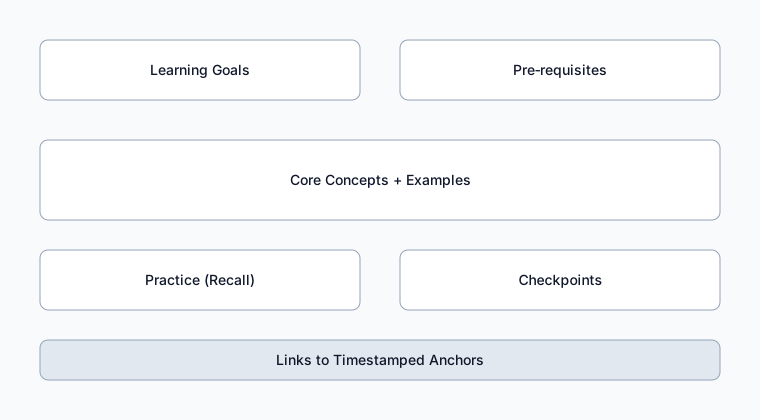
- Draft a study guide: define goals, pre-requisites, core ideas, examples, and checks for understanding. Keep it actionable and specific to your context.
- Turn this into practice: quick quizzes or flashcards that force recall from the map and notes, not from the timeline.
Where Learnex is opinionated (and helpful)
- Transcript navigation: skip the “watch-and-hope” loop. Searchable, timestamped transcript lets you jump straight to definitions, proofs, or code explanations.
- Concept graphs: visualize how ideas connect. This is the missing piece between a summary and actual understanding — the structure of the topic.
- Mind maps: re-organize dense material into a big-picture view that’s quicker to scan and easier to discuss with a peer or mentor.
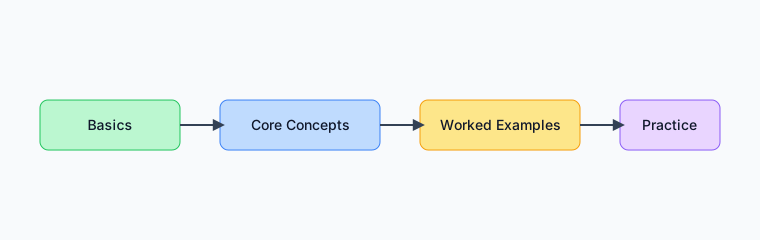
- Learning paths: put concepts in a sequence that respects dependencies. No more revisiting the same video to “fill gaps.”
- Study guides: a repeatable format to move from content to practice — so sessions feel productive, not fuzzy.
Case study: 90‑minute lecture → 45‑minute study plan
Goal: understand regularization in linear models enough to solve basic problems without notes.
- Search the transcript for “regularization”, “lambda”, “overfitting”, “ridge”. Add anchors with one‑line why.
- Open the concept graph. Keep: objective function, penalty term, bias‑variance, cross‑validation.
- Draft a study guide with 3 worked examples (tiny matrices) and 5 recall questions.
- Practice: derive a ridge solution by hand for a toy dataset. Check with transcript anchors.
Practical tactics that compound
- Treat tags and topics as a trail. As you process more videos, you’ll see patterns. Use that to decide what to learn next and what to ignore.
- When a concept graph feels noisy, ask: “What belongs to what?” Parent–child relationships reduce clutter fast.
- Write one checkpoint question per concept: “If I can answer this, I understand it.” Convert those to flashcards.
- Prefer worked examples in your study guide. They travel better across contexts than definitions.
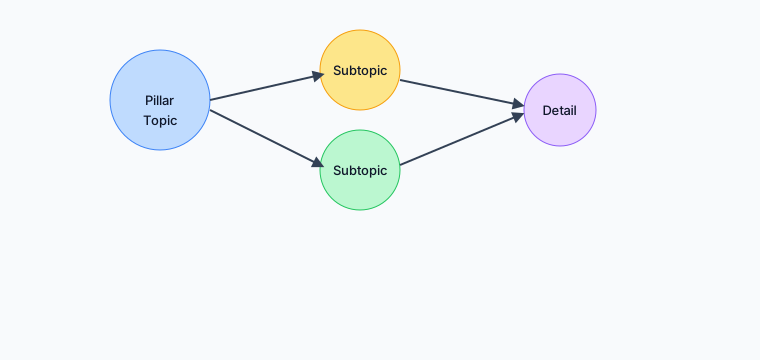
- Use a topic cluster to plan multiple videos around a theme, not one giant video. It builds breadth.
Common pitfalls and how to fix them
- Symptom: Summaries feel obvious. Fix: Switch to transcript anchors + questions.
- Symptom: Concept graph spaghetti. Fix: Collapse nodes; label edges with verbs.
- Symptom: Can’t recall later. Fix: Turn guide bullets into spaced‑practice items.
- Symptom: Endless rewatching. Fix: Build a learning path, not a playlist.
How to measure progress
- Time from paste → first practice item (aim: 15–25 minutes).
- Questions you can answer without notes after 24 hours.
- Concepts correctly placed in the graph after pruning.
How to do this in Learnex (step‑by‑step)
- Paste a YouTube link, let Learnex extract transcript, topics, and relationships.
- Skim the transcript and jump to the parts you need most right now.
- Open the concept graph and prune until the structure matches your understanding.
- Generate the mind map and scan for gaps — add quick notes where needed.
- Export a study guide and convert key points into practice items.
FAQ
Is this slower than just reading a summary? The first 10 minutes can be. The next 40 save you hours, because you stop rewatching.
Do I need to process every video? No. Treat this as a toolkit — use depth only when you want retention and transfer.
Related: Summarizing YouTube for Learning · Concept Maps That Clarify Topics